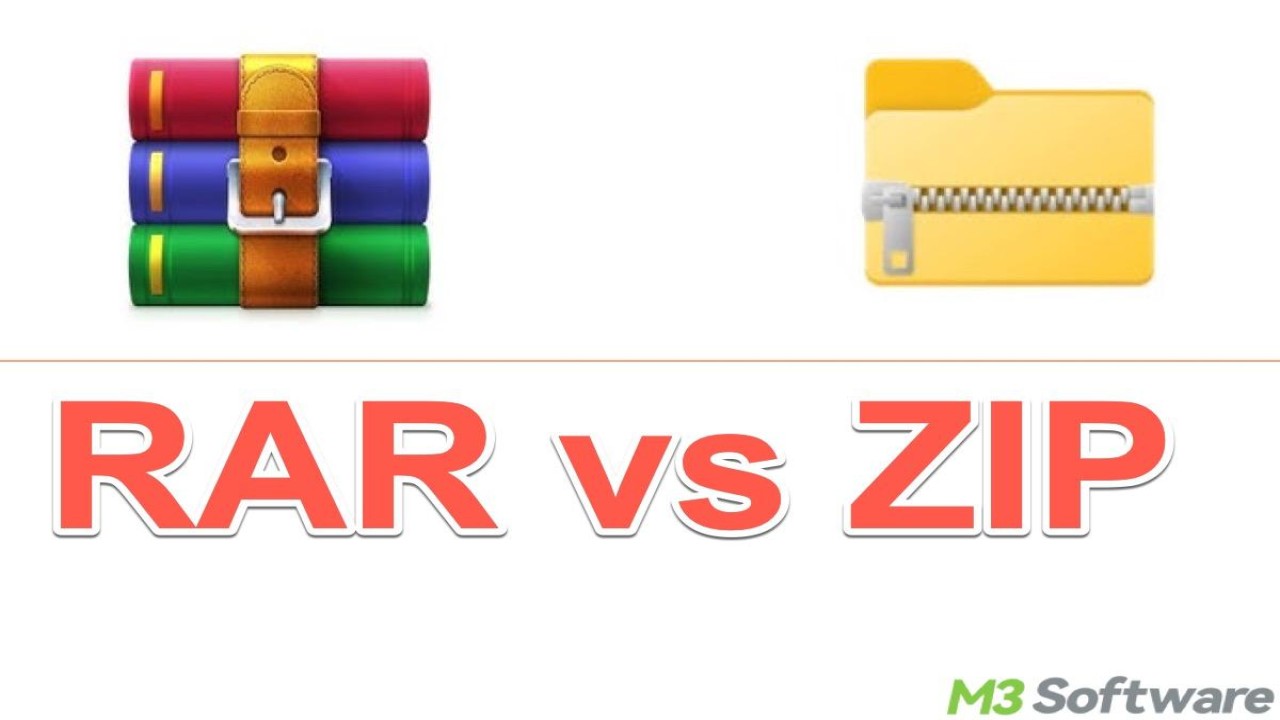
How to Compress Large Files Before Sending Online
File compression is an essential technique for reducing file size and improving upload efficiency. Large files can be difficult to share, especially when internet speed is limited or platform restrictions are in place.
Compression works by reducing redundant data within a file, making it smaller without losing important information. Common compression formats include ZIP and RAR, both of which are widely supported across different operating systems.
Most modern devices have built-in compression tools. On Windows, users can simply right-click a file and select “Compress to ZIP.” On Mac, the process is equally simple with the “Compress” option.
Compressed files offer several advantages. First, they upload faster due to reduced size. Second, they allow multiple files to be combined into a single archive, making sharing more convenient.
After compressing your files, you can upload them to platforms like SendGB for quick and secure sharing. This combination of compression and file transfer services ensures maximum efficiency.
It is important to note that some files, such as videos or images, may not compress significantly because they are already optimized. However, documents and software files usually compress well.
In summary, file compression is a simple yet powerful method to improve file sharing. It saves time, reduces bandwidth usage, and makes large file transfers more manageable.


Comments (0)